Teacher Portal
One classroom workspace for attendance, marks, assignments, and progress.
Plan the day, take attendance, capture marks, assign work, track lesson coverage, keep student notes, and reach families—with policies that respect what each role should see.
| Student | Status |
|---|---|
| Sample student A | Present |
| Sample student B | Late |
| Sample student C | Absent |
| Sample student D | Present |
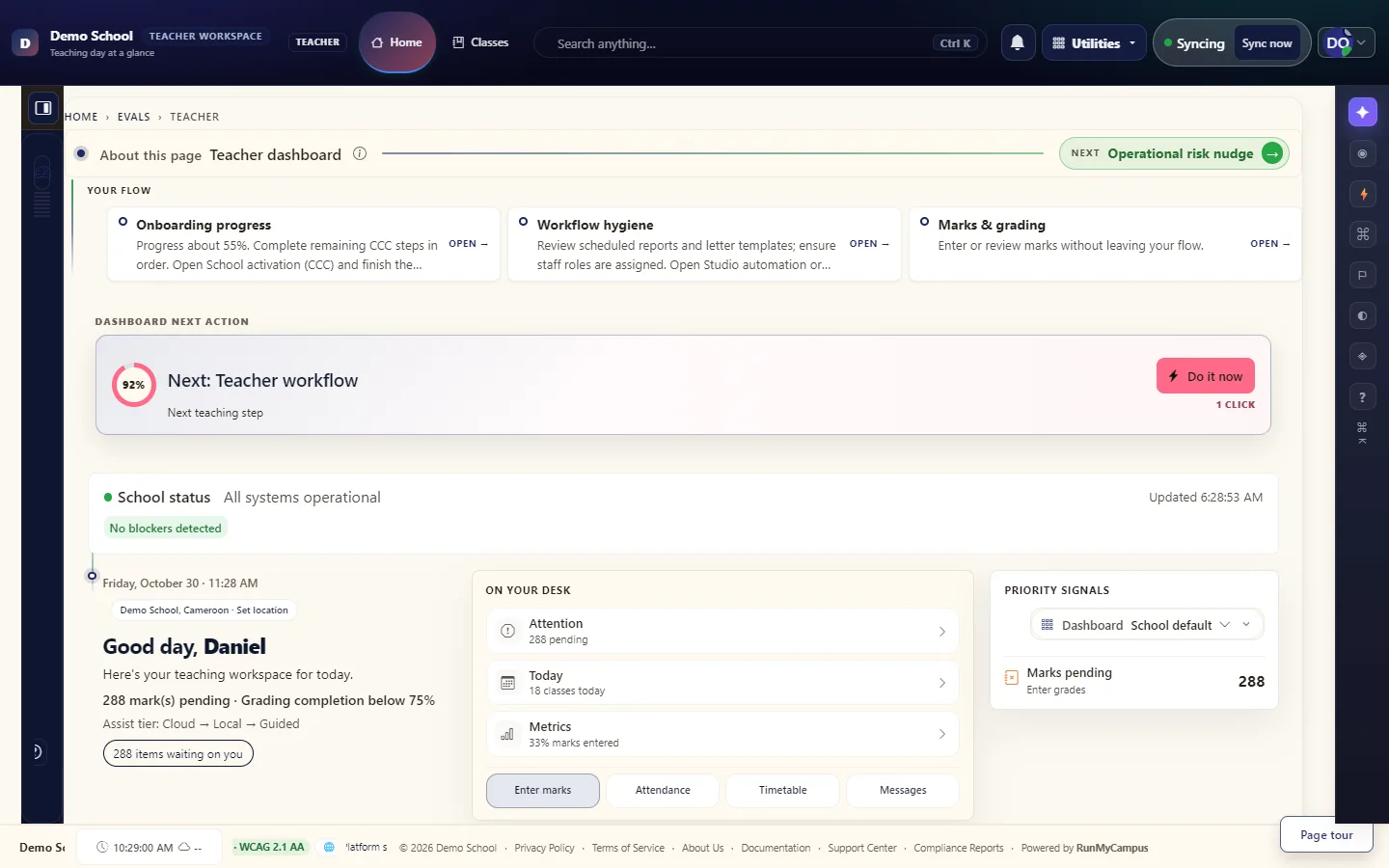
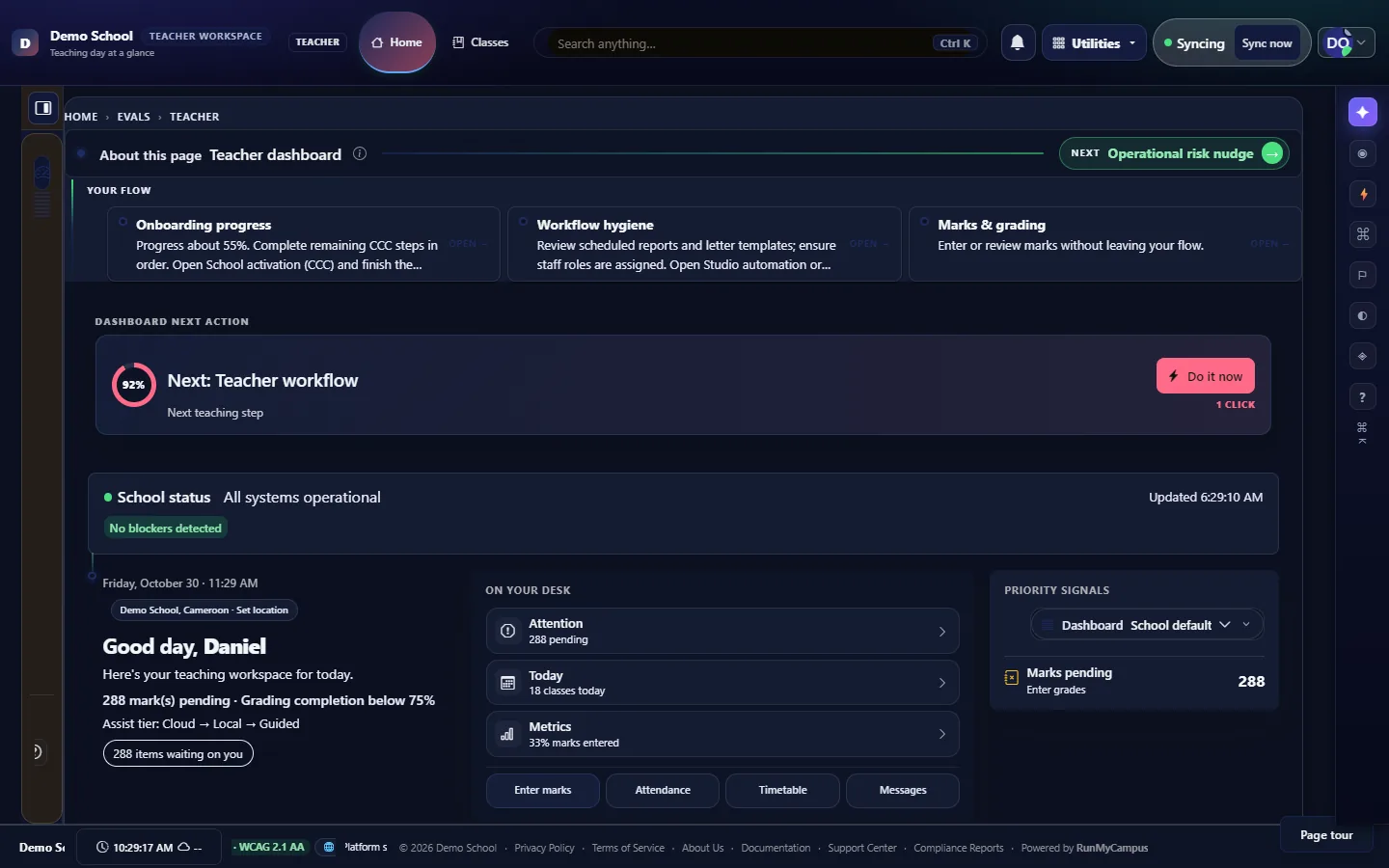
One surface for registers, marks, and class context
Teachers move through attendance, marks, assignments, lesson coverage, and student notes without hopping between disconnected tools.
- AttendanceAttendance is captured in context with the class list
- MarksMarks flow into reporting with fewer manual bridges
- Student notesStudent progress and notes are easier to track over time
- FamiliesCommunication to families aligns with what the system records
Before and after a real daily workspace
Replace duplicate entry and scattered class updates with flows built around the school day.
Before
- Teachers repeat work across registers and gradebooks
- Marks and feedback are delayed or inconsistent
- Class updates live in chats and ad-hoc documents
- Syllabus and lesson progress are hard to see as a whole
After
- Daily tasks stay in one classroom-oriented workspace
- Marks flow into reporting with fewer manual bridges
- Attendance is captured in context with the class list
- Student progress and notes are easier to track over time
- Communication to families aligns with what the system records
Who benefits
- 1
Teachers
Less tab sprawl during prep and during class-adjacent workflows.
- 2
Department heads
Consistent patterns across sections without forcing every teacher into the same rigid form.
- 3
Administrators
Operational adoption and support load improve when the workspace is coherent.
- 4
Parents
Updates originate from the same records parents already see in the portal.